

Boards and committees
Connect relevant history while preserving the boundaries between governance forums.
Deploy BoardCue Live around your governance structure, permissions and information requirements—starting with a focused use case or a wider organisation programme.
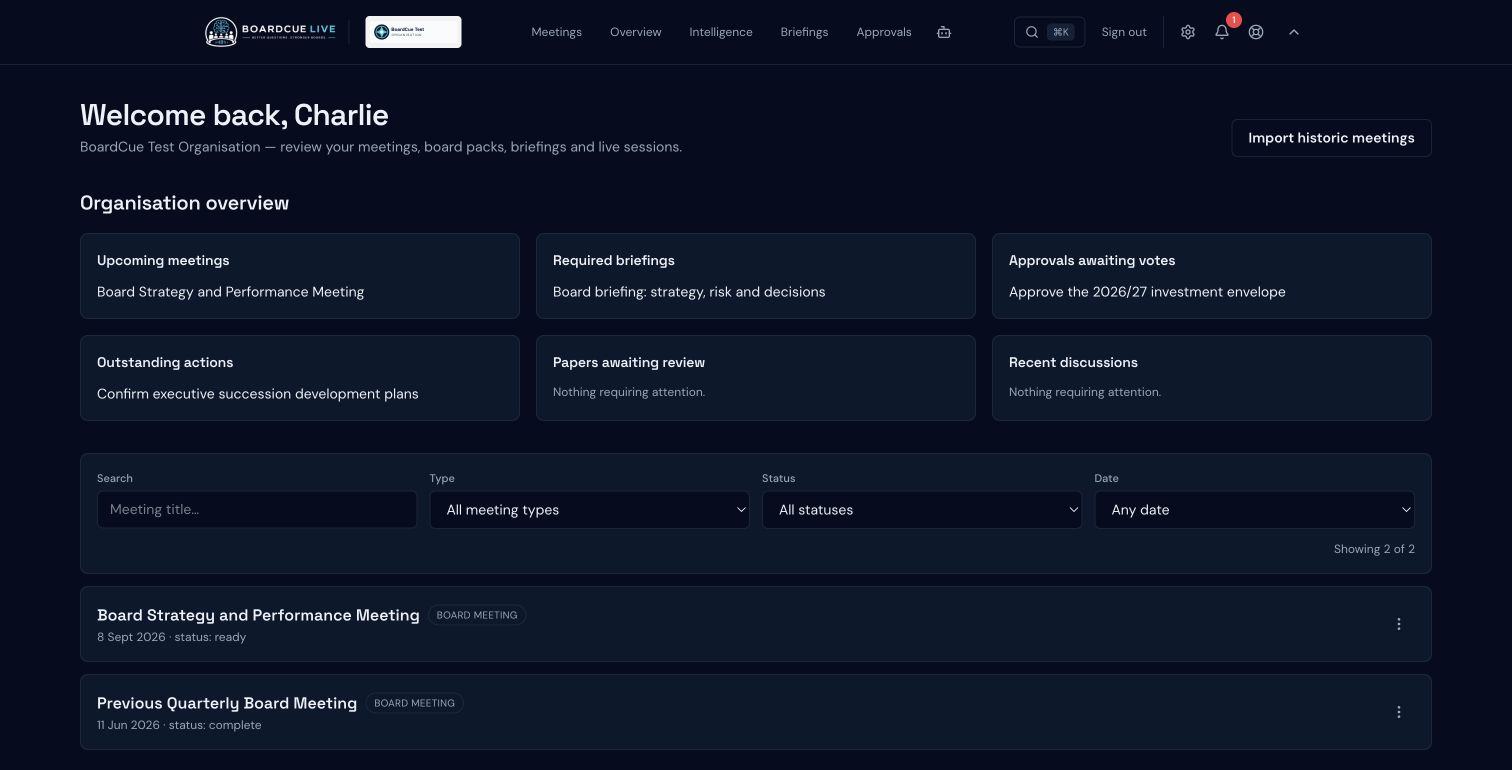
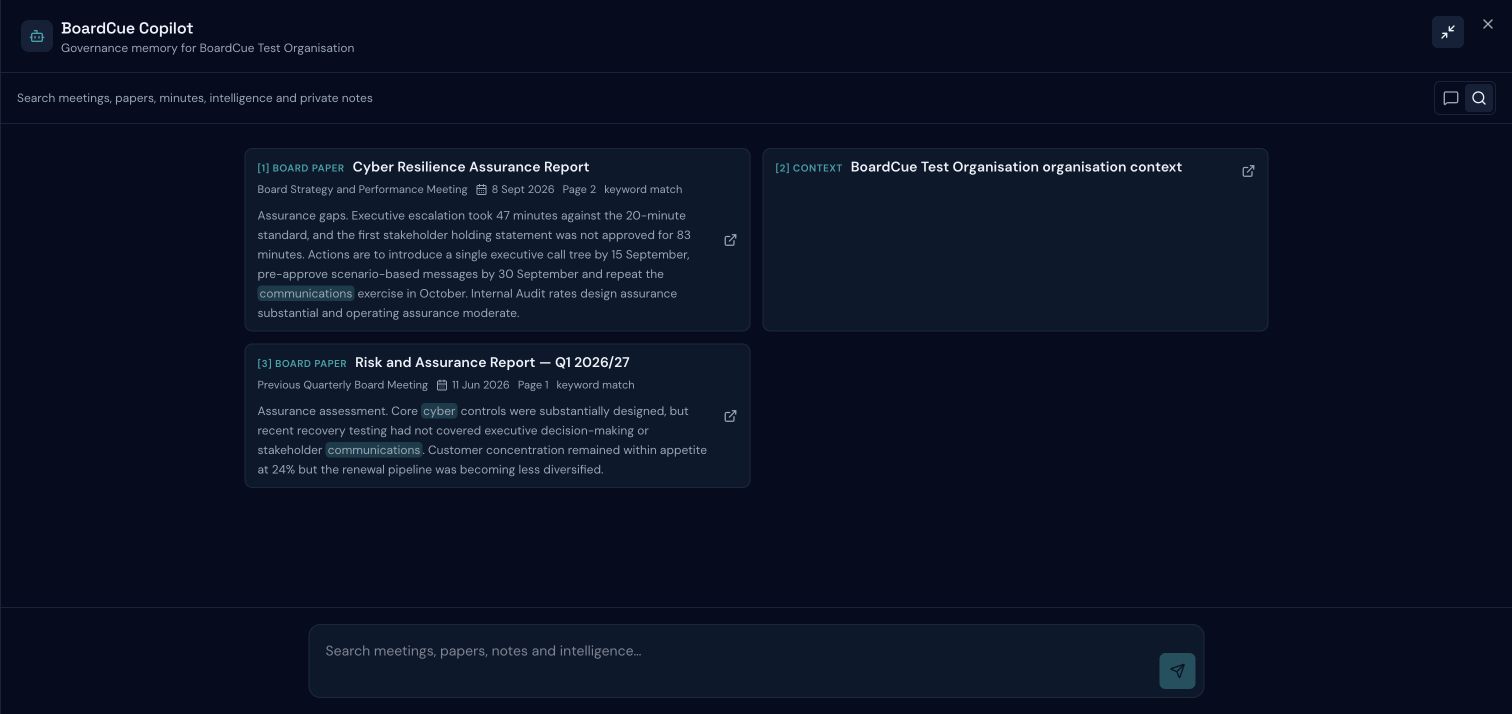
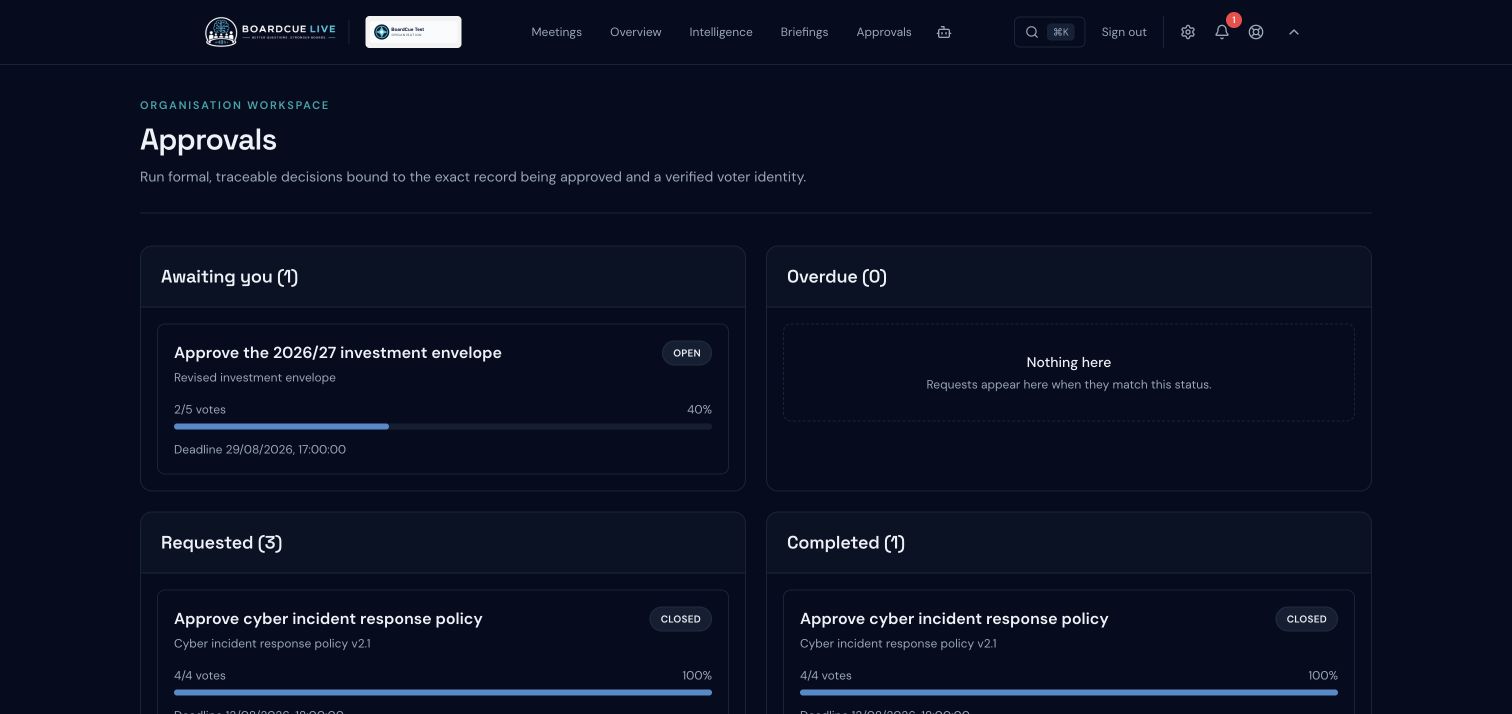
Current BoardCue Live interface · anonymised demonstration data
Connect relevant history while preserving the boundaries between governance forums.
Structure access for board members, chairs, executives and governance teams.
Retain decisions, challenge, evidence and commitments across reporting cycles.
Ask source-backed questions across the governance record.
Support preparation, live discussion and follow-through in one connected workflow.
Identify recurring issues, open commitments and assurance patterns over time.
Begin where the governance need is clearest, confirm information-handling arrangements and learn from initial meetings before widening use.
Agree the problem, users, governance scope and success measures.
Confirm documents, permissions, retention and AI-processing arrangements.
Configure governance structures and prepare the initial source material.
Help board members, chairs and governance colleagues use BoardCue in their roles.
Run a focused set of meetings and gather evidence about value and workflow fit.
Decide whether and how to connect further committees or use cases.
Organisation pricing, support, data handling, retention, provider arrangements and rollout scope are agreed for the deployment. BoardCue Live does not present a generic enterprise package as if every governance environment were the same.